Your first key
A client key is what an agent or a developer uses to reach /mcp. It belongs to
one project, grants a chosen subset of that project's services, expires, and every
call made with it is attributed to its label.
Mint one
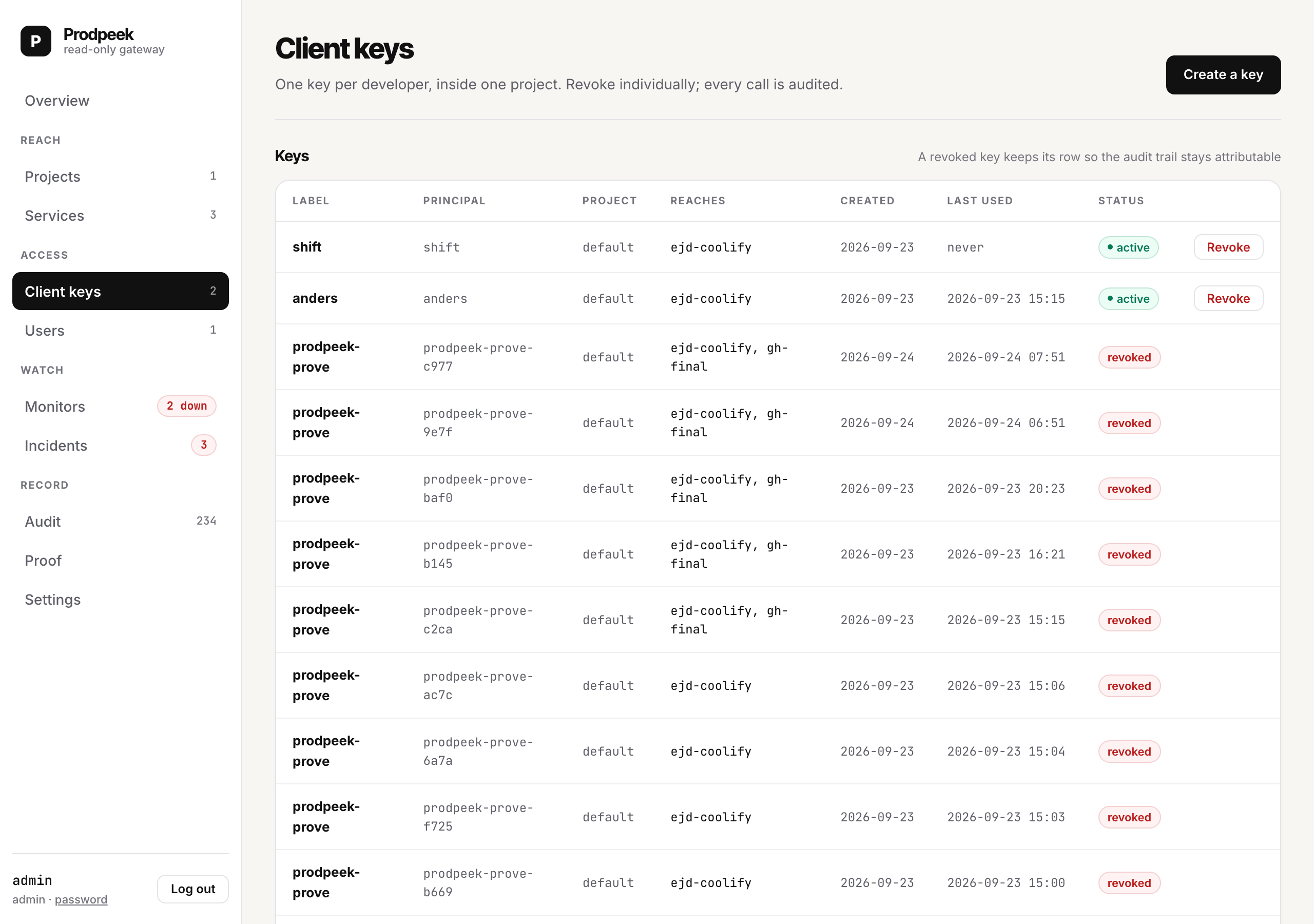
Client keys → Create a key in the console.
| Field | Notes |
|---|---|
| Label | Who the calls are from — anders, claude-code, ci. This is what appears in the audit log. |
| Project | One project. A key cannot reach another, and the store refuses to mint one that tries. |
| Services | Which of that project's services this key may reach. Grant the minimum. |
| Lifetime | 1 hour, 8 hours, 24 hours, 30 days, or never. Default 30 days. |
The key is shown once. Prodpeek stores only a SHA-256 of it and cannot recover it. Lost it? Revoke and mint another; that is cheaper than a recoverable secret.
Pick a short lifetime
This is the second problem Prodpeek exists to solve, so it is worth being deliberate rather than accepting the default.
| Lifetime | For |
|---|---|
| 1h / 8h | A debugging session. A developer working an incident. The right default for a human. |
| 24h | A CI job, or a day of work. |
| 30d | A long-lived agent integration you will actually notice expiring. |
| never | Something that would page someone at 03:00 if it stopped. Rare, and a deliberate act. |
An expired key is refused at the door with token_expired, audited under its
label, so "why did my key stop working" is answerable from the log rather than
from guesswork.
Use it
curl -s -X POST http://127.0.0.1:8787/mcp \
  -H "Authorization: Bearer $PRODPEEK_KEY" \
  -H 'Content-Type: application/json' \
  -d '{"jsonrpc":"2.0","id":1,"method":"tools/list"}' | python3 -m json.tool
For Claude Code, Cursor, or anything else that speaks MCP, see With Claude Code.
Ask the key what it can do
Every client key can call one built-in tool, prodpeek__explain. It answers from
local state, makes no outbound call, and describes the key's own grants:
curl -s -X POST http://127.0.0.1:8787/mcp \
  -H "Authorization: Bearer $PRODPEEK_KEY" \
  -H 'Content-Type: application/json' \
  -d '{"jsonrpc":"2.0","id":1,"method":"tools/call",
       "params":{"name":"prodpeek__explain","arguments":{}}}'
It returns which services the key holds, which tools each allows, which it refuses and why. This is the first thing an agent should do, and it is faster and quieter than probing — probing fills your audit log with refusals to learn what one local call would have said.
Revoking
Client keys → Revoke. Immediate: the next call with it is refused. Revoking does not touch the service or its credential, only this key's ability to reach it.
Revoke when someone leaves, when a laptop is lost, when an agent integration is retired, or when you see something in the audit log you did not expect. It costs nothing and re-minting takes ten seconds.
Admin keys are a different thing
A client key reads production through /mcp.
An admin key configures the instance through /api/v1 and /mcp-admin.
Neither is a superset of the other. An admin key cannot read a customer's
database; a client key cannot mint another key. Present either at the wrong door
and you get wrong_door, audited.
Mint an admin key when you want CI, the CLI, or an agent to set things up: